Grand Theft Auto: San Andreas remains an absolute titan in the gaming industry. Originally released by Rockstar Games on the PlayStation 2 in 2004, this open-world masterpiece set standard benchmarks for player agency, map size, narrative depth, and gameplay mechanics. Years after its debut, Rockstar Games—in partnership with War Drum Studios—ported the title to Android and iOS.
This comprehensive analysis explores how the mobile version translates a massive console classic into a portable experience. From hardware performance and control refinements to visual enhancements and trade-offs, here is everything you need to know about playing GTA San Andreas on modern smartphones and tablets.
Narrative and World Building: The Scope of San Andreas
At the heart of San Andreas is the journey of Carl “CJ” Johnson, who returns home to Los Santos in the early 1990s following his mother’s murder. What starts as a localized effort to rebuild the Grove Street Families gang quickly escalates into a sprawling tale of betrayal, government corruption, and criminal conquest across an entire fictional state.
Unlike its predecessors, GTA III and GTA: Vice City, San Andreas features three fully realized metropolis environments interconnected by vast countrysides, deserts, and mountain ranges:
- Los Santos: A gritty, sprawling city plagued by gang warfare, drugs, and Hollywood-style glamour.
- San Fierro: A hilly, fog-draped city inspired by San Francisco, catering to illicit street racing and automotive operations.
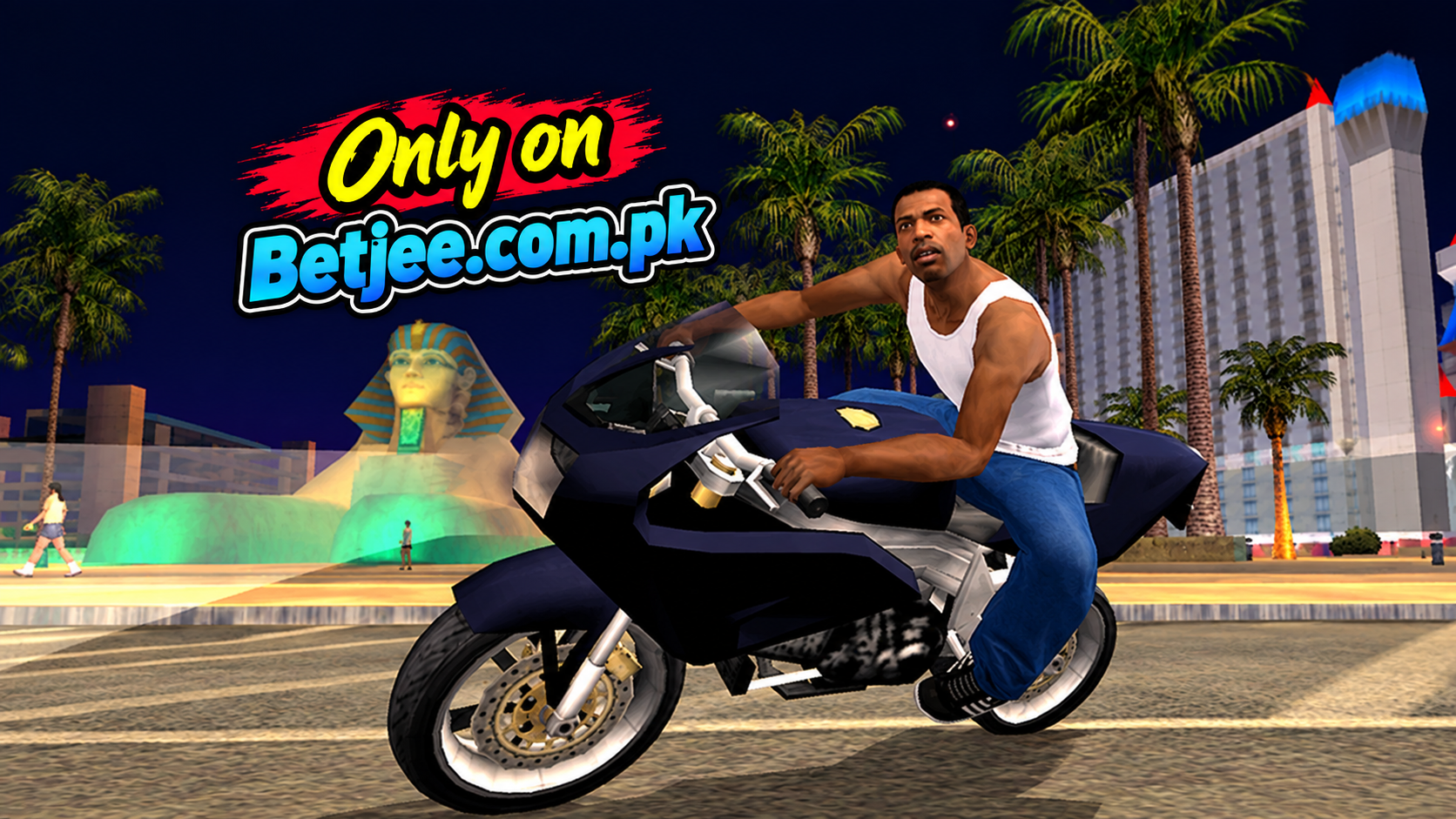
- Las Venturas: A casino-studded desert oasis modeled after Las Vegas, complete with high-stakes heists and mob rivalries.
The sheer variety of terrain creates a sense of scale rarely matched in mobile gaming. Driving from the urban neighborhoods of Ganton to the peak of Mount Chiliad delivers a seamless open-world experience without intrusive loading screens.
Mobile Technical Enhancements and Visual Upgrades
Porting a massive console title to arm-based mobile architectures required significant technical restructuring. Rather than handing off a simple, direct emulator wrap, developers remastered several key visual assets specifically for touchscreen devices:
- Upgraded Lighting and Color Palettes: The mobile port replaces the original’s heavy orange atmospheric haze with cleaner, higher-fidelity lighting, dynamic shadows, and enriched color depth.
- Refined Character Models and Textures: Vehicle models, character skins, and environmental structures received resolution updates, smoothing out many jagged polygonal edges from the PS2 era.
- Adjustable Graphical Settings: Players can customize draw distance, visual effects, screen resolution, and shadow toggles within the display menu to optimize performance according to their device’s processing capability.
- Cloud Save System: Integration with the Rockstar Games Social Club enables cross-device cloud saving, allowing seamless progression switching between phones and tablets.
Control Systems: Adapting Console Mechanics to Touchscreens
The biggest hurdle for any complex open-world mobile port is input design. San Andreas requires precise movement, camera rotation, driving dynamics, fly mechanics, and third-person gunplay. The mobile edition addresses this through flexible input configurations:
Touchscreen Adaptations
- Dual Analog Control: Virtual thumbsticks on the left and right sides handle character movement and free-look camera movement.
- Contextual Buttons: Touch UI elements dynamically appear only when needed (e.g., entering a vehicle, sprinting, firing a weapon, or triggering specific mini-games).
- Driving Schemes: Players can choose between analog steering, digital buttons, or intuitive tilt-to-steer accelerometer inputs.
Physical Controller Support
For players who struggle with screen overlays, both iOS and Android versions offer native support for MFi controllers, Xbox Wireless Controllers, and PlayStation DualSense gamepads. Pairing a Bluetooth controller automatically maps the inputs to match traditional console configurations, providing an authentic console-like experience on a mobile screen.
RPG Mechanics and Gameplay Depth
San Andreas introduced deep RPG-style customization mechanics that were revolutionary for its time, all of which remain fully intact on mobile:
- Physical Conditioning: CJ’s stamina, muscle mass, and body fat dynamically change based on gym workouts and eating habits.
- Skill Progression: Weapon proficiency, driving skills, swimming capacity, and stamina improve organically through repeated practice.
- Style Customization: Players can visit barbershops, tattoo parlors, and clothing stores (ranging from Sub Urban to Didier Sachs) to adjust CJ’s appearance and boost his “Sex Appeal” or “Respect” stats.
- Gangs and Territory Control: The hood war mechanics allow CJ to conquer enemy Ballas and Vagos turf, generating passive revenue streams for Grove Street.
Pros and Cons
Pros
- Massive Content Density: Provides 70+ hours of narrative missions, side quests, and free-roam activities in a single purchase.
- No Microtransactions: Unlike modern free-to-play mobile games, it offers a pure, uninterrupted premium gaming experience with zero paywalls.
- Flexible Controls: Includes full gamepad mapping alongside customizable touch layouts.
- Enhanced Visuals: High-resolution textures, improved lighting, and variable graphic settings optimized for high-refresh-rate displays.
- Audio Fidelity: Includes the iconic original soundtrack spanning radio stations like K-DST, Radio Los Santos, and Radio X.
Cons
- Challenging Touch Aiming: Manual aiming and combat during high-intensity firefights can feel clunky without a physical controller.
- Thermal Throttling & Battery Drain: High graphic settings can cause significant battery depletion and device heat on mid-tier hardware.
- Intermittent OS Bugs: Occasional compatibility glitches or audio dropouts can surface following major iOS or Android system updates until patched.
Frequently Asked Questions (FAQs)
Q1: Does GTA San Andreas on mobile require an active internet connection to play?
No. Once the application and its initial data files are fully downloaded, the game can be played entirely offline without an active internet connection. Internet is only required for downloading updates or syncing cloud saves through the Rockstar Social Club.
Q2: Can I use cheats in the mobile versions of GTA San Andreas?
There is no direct built-in cheat console in the standard touch interface. However, players using a connected physical keyboard (via Bluetooth or USB OTG) can type in classic PC cheat codes during gameplay to trigger them.
Q3: Is the mobile version of GTA San Andreas identical to the PC and console versions?
The mobile port includes the complete story campaign, map, vehicle roster, and audio dialogue. Aside from minor UI tweaks, streamlined touch-friendly mission checkpoints, and slight modifications to select radio tracks due to licensing expirations over time, it is nearly identical to the original release.
Q4: Is GTA San Andreas available on both Android and iOS?
Yes, GTA San Andreas is available on both the mobile operating softwares of Android and iOS.
Q5: Is GTA San Andreas free to download on Android and iOS?
No, GTA San Andreas is not free to download for Android and iOS. You can find the download link of GTA Sandreas on Betjee.com.pk.
Final Verdict
Grand Theft Auto: San Andreas on Android and iOS stands as one of the finest classic game conversions in mobile history. By pairing a vast open world with flexible control schemes, enhanced graphics, and pure premium gameplay, Rockstar Games delivered a full-scale console experience straight to your pocket. Whether replaying CJ’s story for nostalgia or experiencing the streets of Los Santos for the first time, this port remains an essential title for mobile gamers.